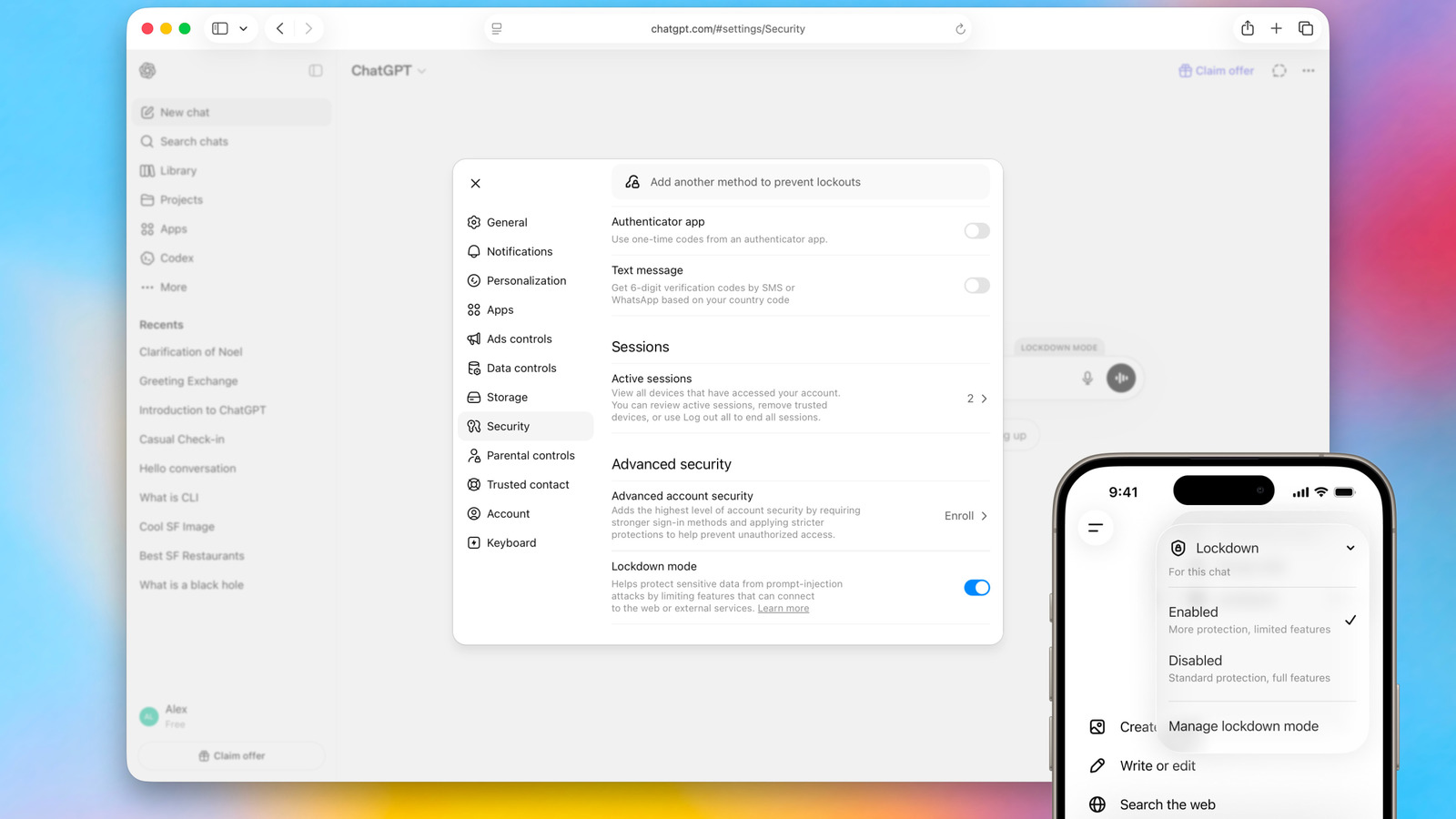
Enhanced Security with Lockdown Mode
OpenAI has introduced an optional advanced security setting called Lockdown Mode for ChatGPT, designed to mitigate the risk of data exfiltration from prompt injection attacks. This feature is particularly aimed at individuals and organizations handling sensitive data who require stricter protection. When enabled, Lockdown Mode restricts ChatGPT's ability to connect to the web and external services, thereby limiting outbound network requests.
While Lockdown Mode does not entirely prevent prompt injections from appearing in content processed by ChatGPT, its primary goal is to reduce the likelihood of sensitive data being shared externally. This is achieved by disabling or limiting several key functionalities.
Lockdown Mode Feature Limitations:
- Live web browsing: Access is limited to cached content, potentially resulting in stale or unavailable search results.
- Image support: ChatGPT may not display images in responses or retrieve them from the web, though users can still upload image files and generate their own images.
- Deep Research and Agent Mode: These functionalities are completely disabled.
- Canvas networking: Users cannot approve Canvas-generated code to access the network.
- File downloads: ChatGPT cannot download files for data analysis, though manually uploaded files can still be processed.
Lockdown Mode is now available to all logged-in users across various account types and workspaces, including Free, Go, Plus, Pro, and self-serve Business accounts. Users can activate it through the security settings within ChatGPT. OpenAI emphasizes that this mode is not necessary for most users but provides an additional layer of defense for those with heightened security concerns.